Espectro Audio Generator Terminal
A downloadable tool for Windows, macOS, and Linux
How to use it?
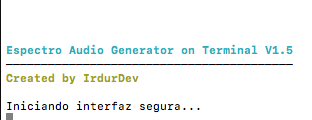
Using it is as simple as running an application. Download the tool for your operating system and run it; no administrator privileges are required.
Does it need powerful software?
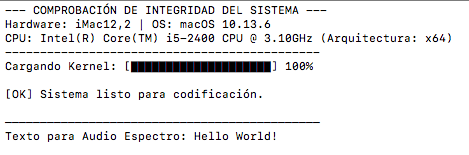
No, everything runs in your computer's terminal. This means it consumes almost no resources without affecting overall performance.
How is it created?
It's a single Python 3 script. Windows and Linux users don't need to have Python 3 installed, but macOS users do.
What does this tool do?
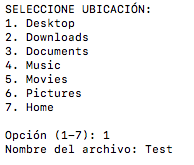
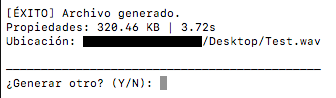
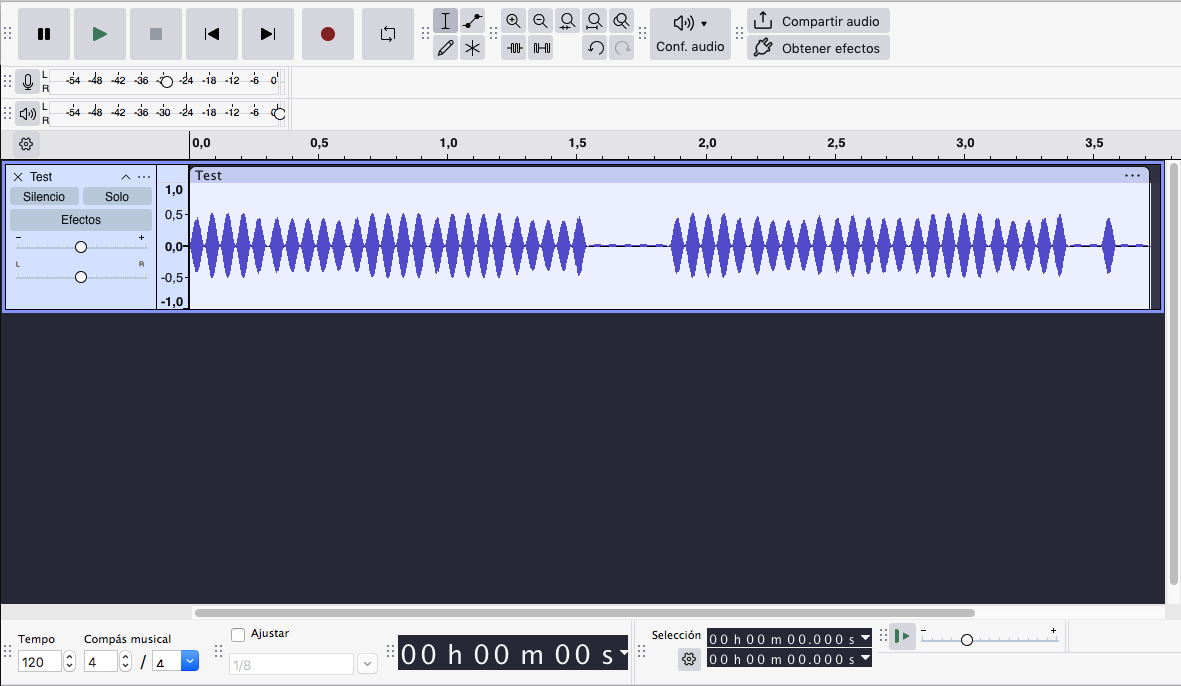
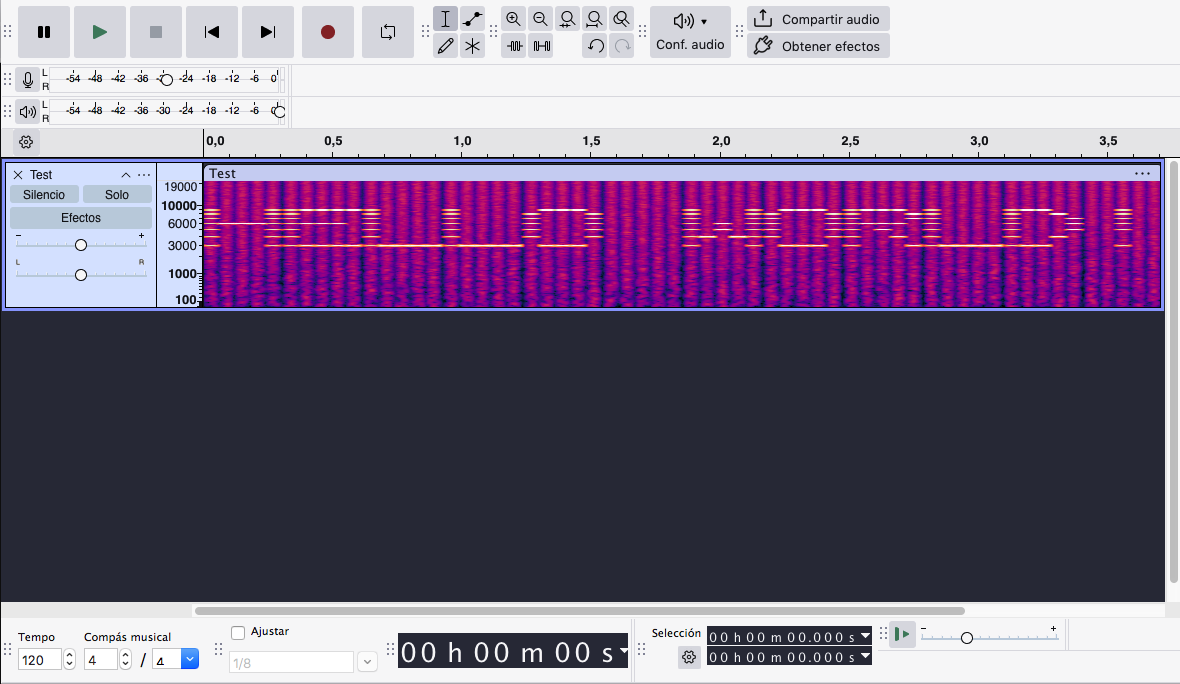
It generates audio at a specific frequency, where the text you write will only be visible in a spectrogram. Ideal for easter eggs, secrets, etc.
I'm a macOS user, what version of Python should I install?
At a minimum, Python version 3.6, although it's recommended to install the latest stable version, including the PATH environment variable. macOS versions 10.9 and higher are compatible with Python 3.
How and where can I install Python 3?
Perfectly, on the official Python website, look for the latest Python 3 version compatible with your operating system. Remember, the latest stable version is recommended for optimal performance. And best of all, it's completely free to download.
Visit the Python website by clicking here.
Download
Click download now to get access to the following files:
Leave a comment
Log in with itch.io to leave a comment.